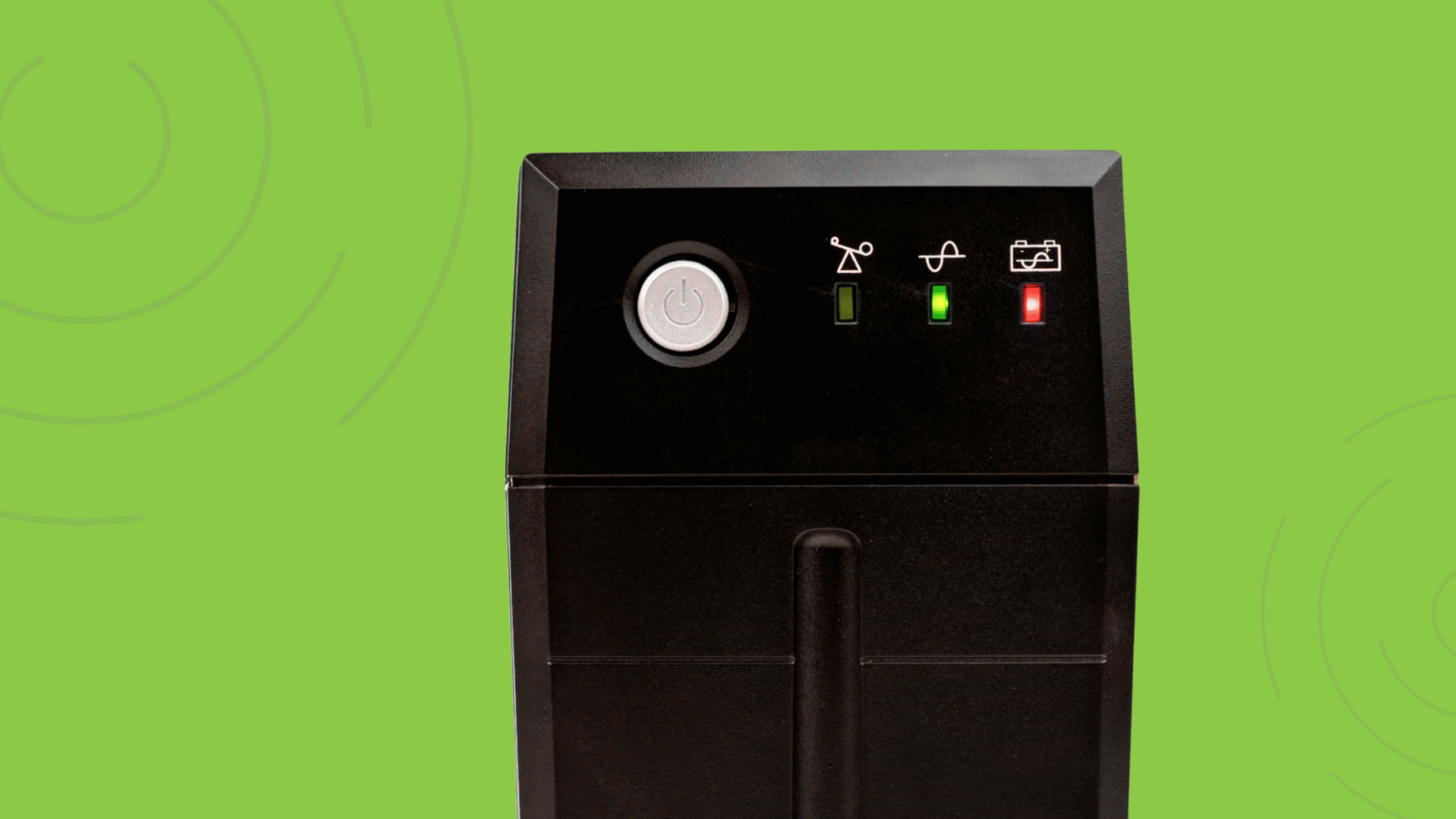
Anyone who has managed IT infrastructure has experienced the moment when a UPS begins beeping at the worst possible time. It may start with a single alert, then another, and suddenly there is a rush to figure out what is wrong, how urgent it is, and what steps need to be taken before the situation escalates.
A beeping UPS is rarely just a minor inconvenience. It is often your first indicator that something within your power or protection ecosystem needs attention. In modern environments where equipment spans multiple locations, remote sites, and distributed end points, those beeps are no longer something you can simply walk over and investigate. They represent blind spots, potential downtime, and greater pressure on already stretched IT resources.
Understanding why UPS systems beep is only part of the story. The more important challenge is developing a strategy that gives you clear, actionable visibility into your entire UPS fleet so that every alert becomes manageable, predictable, and preventable.
In this blog post, we’ll break down:
- Why your UPS is beeping
- What the most common alarms actually mean
- How to troubleshoot them
- And why managing a fleet of UPS systems without monitoring is a recipe for downtime
Common Reasons Your UPS Is Beeping
Although manufacturers vary in their alarm patterns, most beeps fall into a few recognizable categories. Understanding these signals helps you quickly interpret what your UPS is trying to communicate and what risk it may be highlighting.
1. Power Outage or Brownout
A UPS typically beeps when it switches to battery mode. This may indicate a complete power loss, but in many cases it reflects subtle fluctuations, such as brownouts or temporary voltage instability. These conditions often go unnoticed by users yet can significantly impact sensitive equipment.
When your UPS is running off battery, your available runtime becomes a countdown clock. Without immediate visibility, your team may not know how long you have or which systems are affected.
2. Low Battery or Weak Battery Condition
If your UPS begins emitting periodic beeps, the issue may be battery health. Batteries naturally degrade over time and do so even faster if exposed to elevated temperatures, improper load distribution, or frequent discharge cycles. A UPS failing a self-test is one of the earliest warning signs that a battery is nearing its end-of-life.
Without proactive monitoring, organizations often learn about battery failure only when the unit cannot sustain the load during an outage. Battery issues remain one of the most preventable causes of UPS failure, yet one of the least visible without the right tools.
3. Overload Condition
When a UPS is supporting more equipment than it was designed to handle, it will often produce a continuous alarm. Overloads can occur gradually as teams add devices over time, or they can happen suddenly if a redistribution of equipment pushes the UPS beyond its threshold.
Overload conditions not only reduce the UPS’s ability to respond during outages, they also increase wear, heat generation, and long-term failure risk. Identifying overload trends early helps organizations rebalance their infrastructure before it becomes a critical event.
4. Hardware Fault or Internal Failure
Many UPS units are equipped to detect internal anomalies involving circuitry, inverters, relays, or charging components. These alarms can be among the most serious because they may not have obvious external symptoms. Without visibility into the fault details, teams are often left guessing whether the unit needs a reset, service visit, or replacement.
Internal faults are especially dangerous in distributed environments where UPS units may go weeks or months without anyone physically interacting with them.
5. Environmental Conditions
Temperature is one of the most significant factors affecting UPS lifespan, reliability, and battery health. If a UPS detects excessive heat or restricted airflow, it may trigger an alarm to protect its internal components. Environmental alarms also arise in wiring issues, grounding inconsistencies, or humidity-related problems.
These alarms highlight risks that extend beyond the UPS itself, often pointing to environmental or building conditions that require broader attention.
The Real Challenge: Troubleshooting Blind
If you’re managing one UPS, you can usually walk over, check the display, run a quick test, and resolve the issue.
But IT teams today rarely manage just one.
Most organizations have dozens or even hundreds of UPS units, spread across:
- IDF/MDF closets
- Remote offices
- Warehouses
- Retail locations
- Edge sites
- Branch networks
Common Challenges with Troubleshooting a UPS System
Beeping is easy. Interpreting it across an entire distributed fleet is hard.
There’s no quick way to determine which site is actually impacted.
By the time someone identifies where the alert originated, the issue may already be escalating. Hours wasted chasing the source means hours lost mitigating the problem.
Logs are inconsistent across manufacturers.
Some provide detailed event history. Some give vague timestamps. Others give almost nothing at all. You shouldn’t need a decoder ring to understand critical infrastructure data.
Technicians often have to physically visit the site just to interpret an alarm.
A beeping UPS shouldn’t require a road trip. Yet for many teams, the only way to know if a beep is “just a warning” or “everything is about to go offline” is to send someone in person.
Alarms often appear only after a failure has already occurred.
Reactive alerts turn IT teams into firefighters instead of planners. You’re constantly responding instead of anticipating.
There’s no visibility into firmware status, battery health, or load conditions.
Most teams don’t discover outdated firmware or deteriorating batteries until they’ve already caused downtime. A lack of real-time insight makes proactive management nearly impossible.
Manual tracking in spreadsheets becomes outdated instantly.
Aging batteries, asset changes, new equipment, firmware updates, spreadsheets simply can’t keep up. The moment you hit “save,” the data is already stale.
Why You Need a UPS Monitoring and Management Tool
A modern UPS monitoring and management platform allows organizations to move away from reactive troubleshooting and toward a proactive, data-driven approach. The importance of this shift cannot be overstated.
UPS systems perform a mission-critical role. They protect infrastructure, ensure continuity, and serve as the last line of defense during an outage. Yet despite their importance, they often operate as isolated assets without insight into their health, trends, or load conditions.
Centralized monitoring closes that gap.
With a monitoring tool, you gain the ability to see every UPS in real time, understand the context behind every alarm, and respond with speed and precision. Battery health becomes predictable. Overload trends become visible early. Firmware inconsistencies can be addressed systematically. Environmental issues can be traced back to their root cause.
This level of visibility transforms UPS management from a manual, guesswork-driven task into an informed operational practice.
As organizations continue to modernize and expand, UPS monitoring is no longer optional. It is a core component of resilient infrastructure management.
A centralized UPS monitoring platform gives you:
- Real-time alerts across all UPS units
- Battery health insights before failures occur
- Load and runtime visibility to prevent overloads
- Firmware version tracking
- Historical data to diagnose recurring problems
- Standardized dashboards no matter the UPS brand
- Remote visibility for distributed teams
How Critical Labs Solves the UPS Beeping Problem
Critical Labs offers a centralized UPS remote monitoring and management platform designed for the complexity of modern environments. It enables IT teams to move beyond simply responding to beeps and instead build a reliable, predictable, and optimized power protection strategy.
With Critical Labs, organizations gain centralized visibility across every UPS unit in their fleet, regardless of manufacturer or location. The platform consolidates real-time alerts, battery insights, load data, and environmental indicators into one unified view, giving teams the information they need to take action quickly and confidently.
Critical Labs supports multi-vendor environments, making it possible to standardize monitoring even in organizations with mixed infrastructure. Teams can view alarms, troubleshoot issues, track trends, and receive notifications without needing to physically visit remote sites.
What makes the platform especially valuable is its ability to surface actionable intelligence. By identifying weak batteries, rising temperatures, overload patterns, or firmware inconsistencies early, Critical Labs helps prevent the very scenarios that cause UPS systems to beep in the first place. The result is fewer surprises, fewer emergency response situations, and a more dependable power protection ecosystem.
A Beeping UPS Is a Warning. But It Shouldn’t Be a Mystery.
When you’re managing a growing fleet with no visibility, a simple beep turns into a logistical headache.
If you’re tired of guessing, dispatching techs, or managing UPS systems by spreadsheet, it’s time to give your team the visibility they deserve.
Ready to explore how Critical Labs can simplify UPS management? Schedule a demo.